
London Transport Maps2.8.8 - AppGallery
You'll be able to see results in few seconds.
Publisher Description
London Transport Maps with offline access
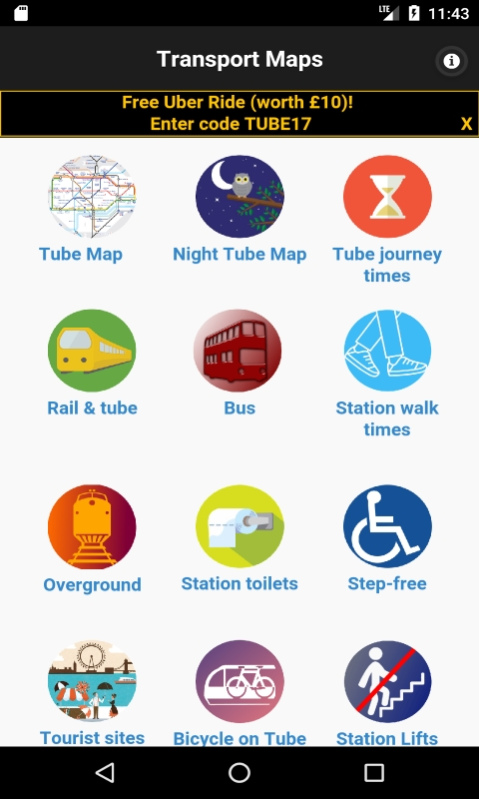
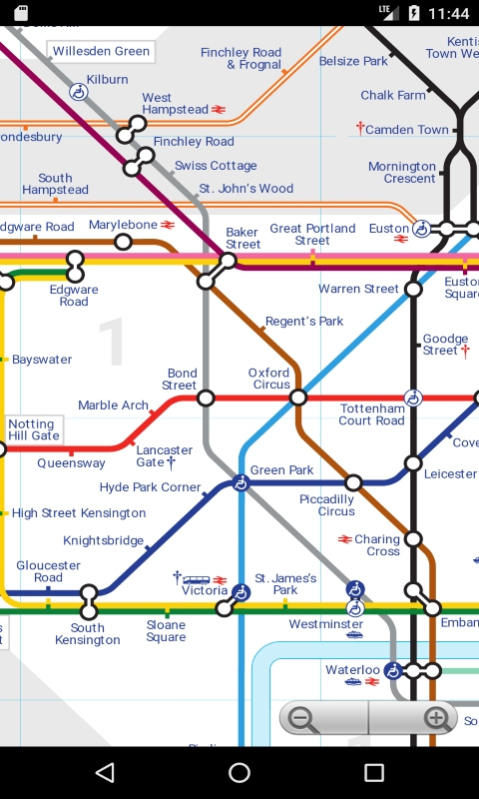
- The latest London Tube Map
- Night tube map
- Tube Journey Times (approximate time to travel between stations)
- London tube and rail map
- Tube station toilets
- Walking time between stations map
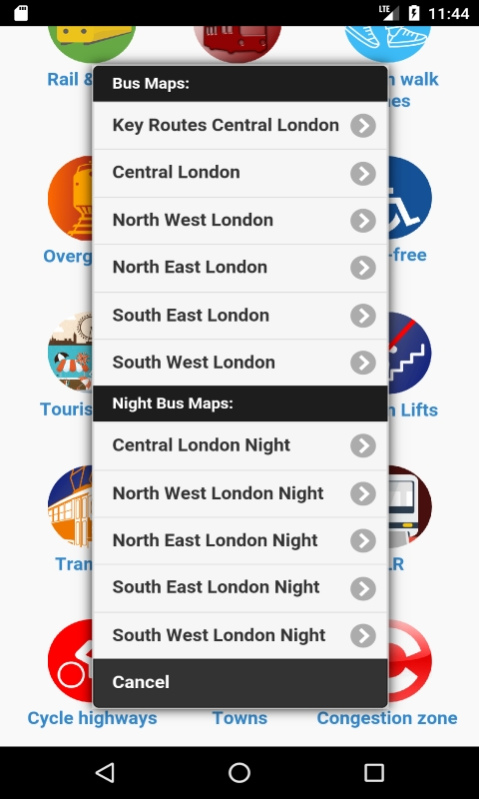
- London bus maps including Central London, North West, North East, South West, South East London - full daytime bus and night bus map
(includes option to download higher resolution bus maps - this option would require an internet connection)
- City tourist map - (Official City Guide)
- Bicycle on the tube map - shows lines that allow you to carry folding/non folding bikes
- Transport For London Tube Accessibility Map (step free) disability & wheelchair access
- Tube Station escalators and lifts (stair free map)
- Congestion charge zone map
- Thames Clipper River bus map including tourist attractions
- London Overground map
- London tramlink map
- Cycle lanes and bicycle superhighways maps
- DLR train map
- London boroughs/towns (mapped over the tube map)
A simple handy app to carry around all the useful public transport maps in your pocket - let us know what maps you would like to see added!
Maps with credit to TFL, Mark Noad & Stefano Maggiolo
Email nutlondon@gmail.com with any issues/requests
About London Transport Maps
The company that develops London Transport Maps is LondonNut.com. The latest version released by its developer is 2.8.8.
To install London Transport Maps on your Huawei device, just click the green Continue To App button above to start the installation process. The app is listed on our website since 2018-10-28 and was downloaded 0 times. We have already checked if the download link is safe, however for your own protection we recommend that you scan the downloaded app with your antivirus. Your antivirus may detect the London Transport Maps as malware if the download link to C100094523 is broken.
How to install London Transport Maps on your Huawei device:
- Click on the Continue To App button on our website. This will redirect you to Huawei Store.
- Once the London Transport Maps is shown in the Huawei Store listing of your Huawei device, you can start its download and installation. Tap on the Install button located below the search bar and to the right of the app icon.
- A pop-up window with the permissions required by London Transport Maps will be shown. Click on Accept to continue the process.
- London Transport Maps will be downloaded onto your device, displaying a progress. Once the download completes, the installation will start and you'll get a notification after the installation is finished.
Program Details
System requirements
Download information
Pricing
Version History
version 2.8.8
posted on 2018-10-28
Disclaimer
Official AppGallery Link
We do not host London Transport Maps on our servers. We did not scan it for viruses, adware, spyware or other type of malware. This app is hosted by Huawei and passed their terms and conditions to be listed there. We recommend caution when installing it.
The AppGallery link for London Transport Maps is provided to you by apps112.com without any warranties, representations or guarantees of any kind, so access it at your own risk.
If you have questions regarding this particular app contact the publisher directly. For questions about the functionalities of apps112.com contact us.
